
What is a Disposable Email Address? The Complete 2026 Guide to DEAs
Tired of marketing spam and data breaches? Discover how disposable email addresses provide a temporary, anonymous shield for your primary inbox in 2026.
Your identity is basically the most valuable thing you own online, and 2025 showed just how easy it is to lose. Over 8 billion personal records leaked in data breaches last year alone. Now, every sign-up form you see is a potential risk.
8 Billion records exposed in 2025
Every time you trade your email for a PDF or a discount code, you probably end up in a permanent database. Data mining for gated content is so aggressive now that one simple registration can lead to a lifetime of spam and tracking across different sites.
The 2026 Email Privacy Playbook
If you want to know what is a disposable email address, it is basically a temporary, anonymous inbox. It lets you get mail without giving away who you really are. In 2026, these tools are a must for keeping your main inbox clean while getting past annoying marketing walls.
- DEAs are self-deleting inboxes that do not need any registration.
- They now use AI filters to find and show your verification codes automatically.
- Using them stops your data from being linked together during big security leaks.
- They act as a shield against the aggressive data-grabbing models used on the web today.
What Exactly Is a Disposable Email Address?
Think of a disposable email address like a paper coffee cup instead of a filing cabinet. You use it once to get what you need, then you toss it without thinking twice.
These temporary accounts let you get verification codes, receipts, and newsletters without connecting them to your main account. Privacy groups like ENISA suggest keeping your digital footprint as small as possible.
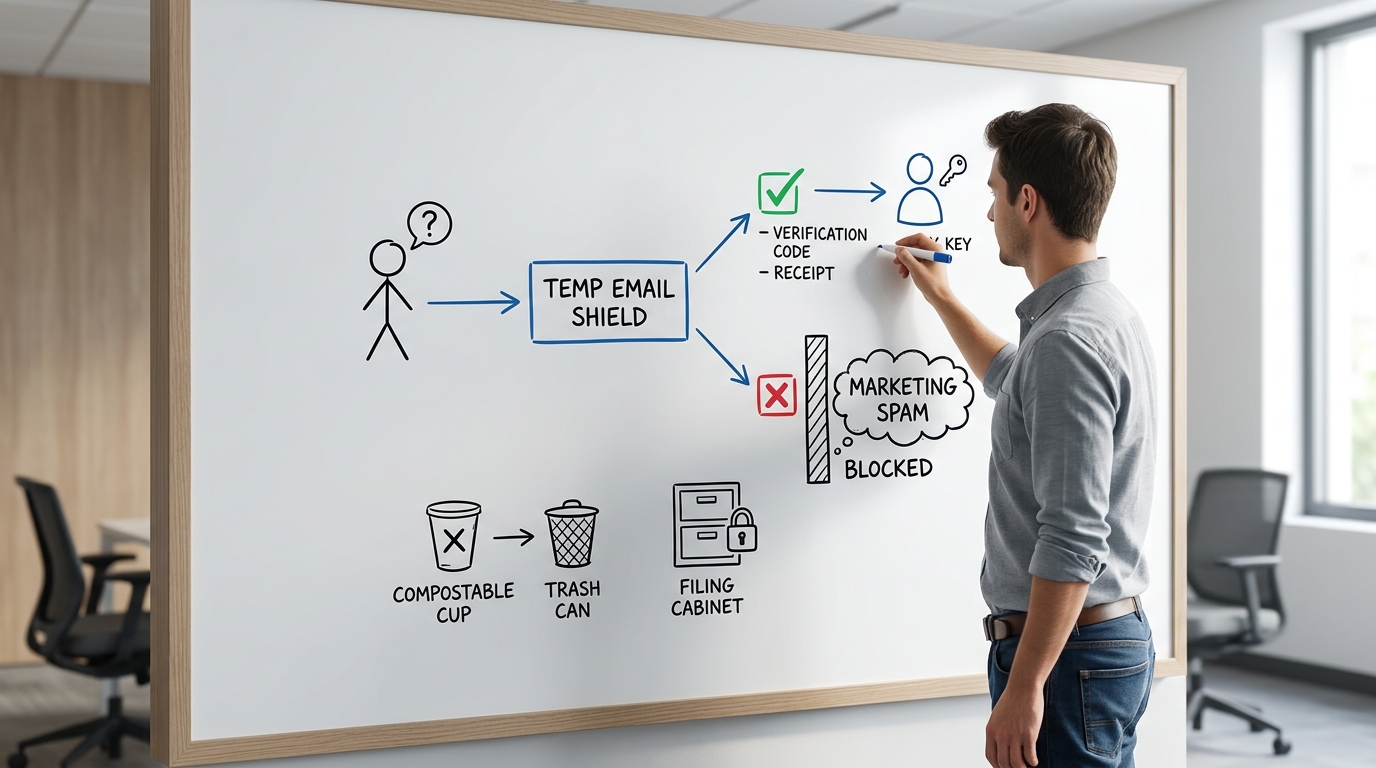
By using a burner address, you make sure your real contact info stays safe if a site gets hacked. It acts like a bouncer for your digital life, standing between you and the noise of the internet.
How to Use a Disposable Email in 5 Minutes
Setting up a temporary shield is faster than typing your last name. Most services give you a random address the second you open their site.
- Go to a provider like FreeCustom.Email or Temp-Mail.
- Copy the random address they give you.
- Paste that address into the sign-up form on the site you want to use.
- Keep the provider's page open to see the email arrive in the browser inbox.
- Click your verification link or copy the code right from the screen.
- Close the tab to let the inbox delete itself once the timer runs out.
- Use it for public Wi-Fi.
- Use it for one-time discount codes.
- Use it for gated downloads.
- Use it for testing out new software.
Tip: If the email does not show up within 30 seconds, look for a Refresh button. Some browsers might slow down updates in the background.
Disposable vs. Alias vs. Burner: Which Is Best?
Not all privacy tools are built for the same purpose and choosing the wrong one can lead to lost access. While DEAs are great for quick tasks, you might need an alias for long-term shopping or a burner for deep testing.
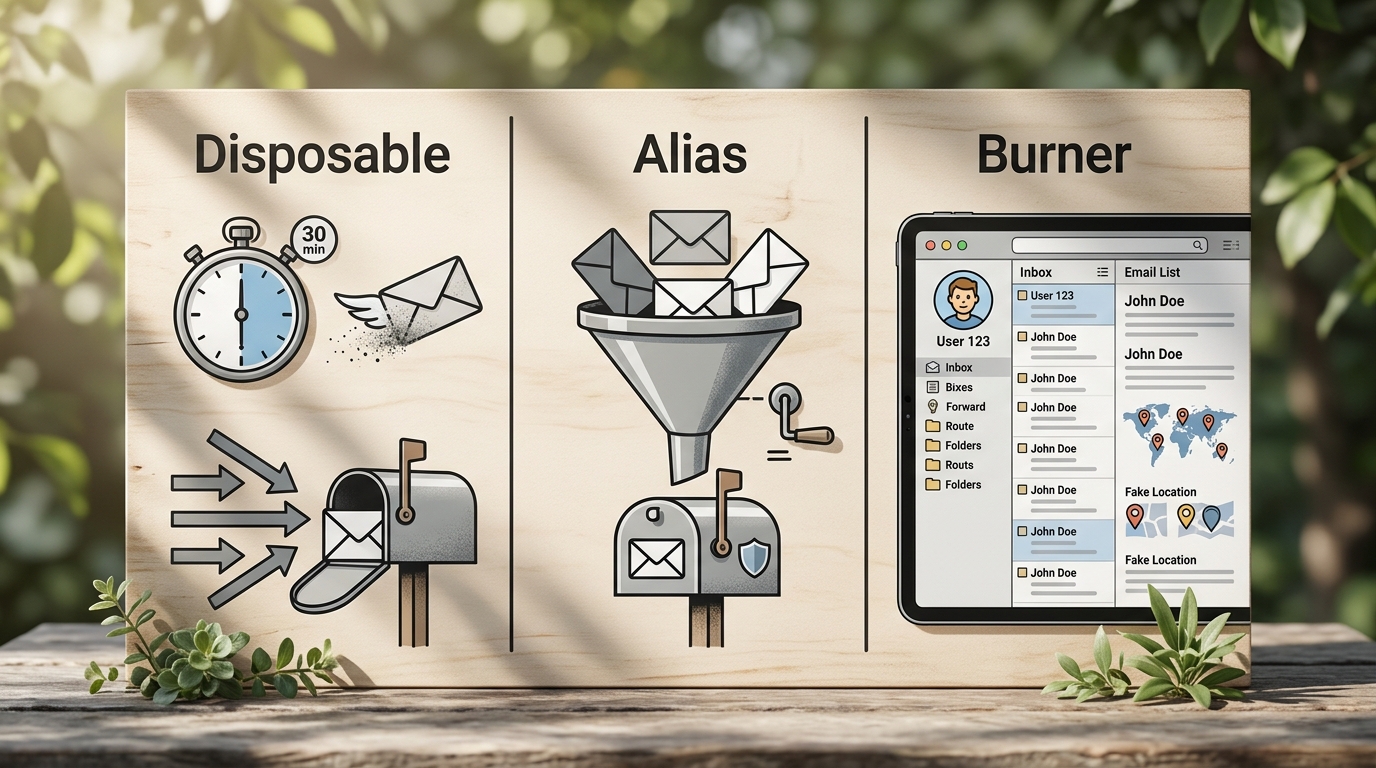
| Feature | Disposable Email | Email Alias | Burner Account |
|---|---|---|---|
| Registration | None required | Required | Required |
| Longevity | Minutes to hours | Permanent | Permanent |
| Storage | Self-destructs | Forwards to you | Separate inbox |
| Best For | Verification codes | Daily shopping | Full fake identity |
| Price | Free | Freemium | Free (Manual) |
A disposable address is the only option that offers true detachment from your primary identity. Use it when you never intend to log back into that specific service again.
Top Temporary Email Services for 2026
The world of temp mail moved toward automation and better security in 2026. Here are the best providers to help you use the web without leaving a trail.
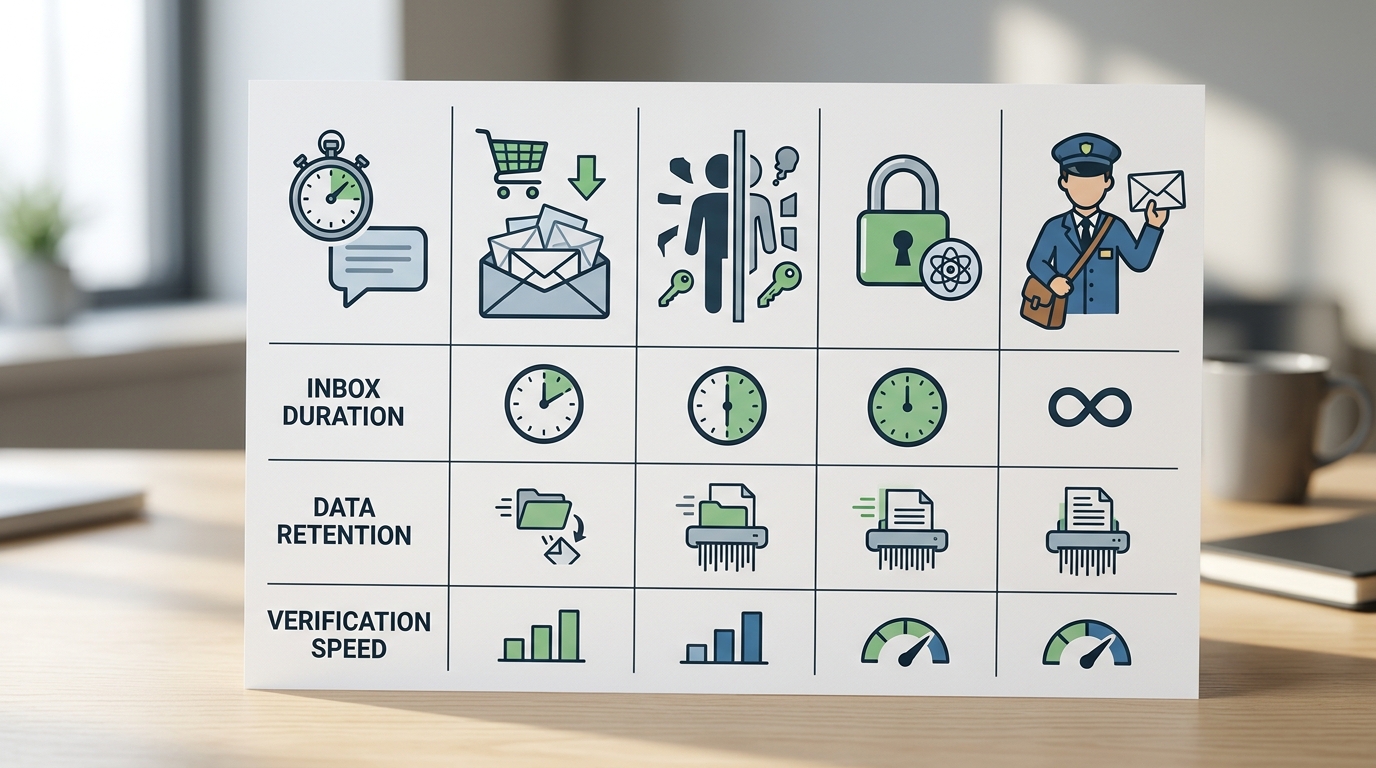
FreeCustom.Email
This is the best all-around choice for 2026 because it does the hard work for you. It automatically finds verification links and codes so you do not have to dig through the text yourself.
- Feature: AI detection for verification mail.
- The catch: You do not get many custom domains on the free version.
- How to use: Just open the site and copy the address. The AI handles the rest when mail arrives.
TempForward
A fast option built for people who need mail to show up instantly. It uses WebSocket tech for delivery in under a second and uses strong encryption for data while it moves.
- Feature: 0.8s delivery speeds.
- The catch: The screen looks a bit technical and might be hard for beginners.
- How to use: Go to the dashboard and turn on the WebSocket switch for real-time mail.
Guerrilla Mail
This service has been around a long time. It is unique because it lets you send anonymous emails too. Most DEAs only receive mail, but this one lets you reply without showing your real address.
- Feature: You can send outgoing mail.
- The catch: The look of the site feels old for 2026.
- How to use: Use the Compose tab to send a reply after you get an email.
10 Minute Mail
This is the easiest service if you just need a quick inbox with a timer. It gives you ten minutes of access and then clears everything out.
- Feature: Simple, one-click setup.
- The catch: The short timer is risky if a site is slow to send the email.
- How to use: Click the button for 10 more minutes if your mail has not arrived yet.
SimpleLogin
This is the top choice for managing aliases. PCMag's Best Temp Mail Services says it is great for long-term shields that send mail to your real inbox.
- Feature: Browser extension to create aliases on any site.
- The catch: You have to make an account to manage your addresses.
- How to use: Install the extension for Chrome or Firefox to make new addresses while you shop.
Mailinator
A tool made for developers to test apps and automated work. It uses a public inbox system that makes it easy to see how emails look to the public.
- Feature: Strong API for automated testing.
- The catch: Anyone using the service can see emails in the public section.
- How to use: Use the API key to pull inbox data into your test scripts.
Temp Postal
A professional service that keeps mail for 24 hours and uses high-level security. It works well for researchers who need a temporary identity for a whole day.
- Feature: Keeps mail longer (24 hours).
- The catch: You often need a paid sub for the best parts.
- How to use: Use the settings to turn the inbox lifespan up to the limit.
IronVest
This is a full privacy suite. it combines email masking with virtual cards and phone numbers. It is the best pick if you want to hide your entire digital footprint.
- Feature: Protects your whole identity in one place.
- The catch: It takes longer to learn because there are so many tools.
- How to use: Turn on the email masking feature through the browser dashboard.
The Business Side: Why Companies Detect and Block DEAs
For businesses, DEAs represent a significant liability that can distort marketing metrics and tank sender reputation. Gmail and Yahoo now enforce a strict 0.3% hard bounce threshold before flagging a sender domain as suspicious.
Rule: If your hard bounce rate exceeds 0.3%, your marketing emails will likely head straight to the spam folder.
Modern developers use tools like AbstractAPI Email Validation to detect hyper-disposable domains in real-time. Static blacklists no longer work because new domains are generated every few hours to evade detection.
// Example: Checking if an email is disposable using AbstractAPI
const email = "user@temp-mail-domain.com";
const apiKey = "YOUR_API_KEY";
const url = `https://emailvalidation.abstractapi.com/v1/?api_key=${apiKey}&email=${email}`;

fetch(url)
  .then(response => response.json())
  .then(data => {
    if (data.is_disposable_address.value) {
      console.log("Disposable email detected. Blocking signup.");
    }
  });
Critical Warning: Where Not to Use a Disposable Address
A disposable address is a great shield, but using it in the wrong place can lock you out of your accounts. Since these inboxes are temporary, do not use them for things you need to access long-term.
Pitfall: Never use a DEA for your bank, doctor, or any account that uses email for two-factor authentication (2FA).
If you use a temporary address for social media, you might lose that account forever during a security check. Most temp inboxes are also public. That means someone else could guess your address and see your mail. Only use these for low-stakes sign-ups.
Mastering Your Digital Privacy in 2026
In 2026, the best way to protect your inbox is with a disposable identity. Using these services is about more than just avoiding junk mail. It is about controlling your data in a world that tries to track every move you make.
Think of these addresses as tools in a belt rather than a home. Pick the right provider based on whether you need speed, extra time, or high security to stay ahead of the trackers.
Frequently Asked Questions
Are disposable email addresses safe to use?
They are fine for things like newsletters or verification codes. But do not use them for private info because many temp inboxes can be seen by other people.
Do websites know if I am using a temporary email?
Many sites use tools to find and block known temp domains. The best providers change their domains often to get around these blocks.
Can I recover a temporary email address after it expires?
Usually, no. Most services delete everything once the timer runs out. You won't be able to get old messages back or verify an account again later.
Do I need to register to get a temp email?
No. The main point of a real disposable service is that it needs zero personal info. You just visit the site and the inbox is ready.
Is it legal to use disposable email addresses?
Yes, it is perfectly legal to use them to stay private. Some sites might block them, but there are no laws against using a temporary identity.