
Temporary Email Pros and Cons: A 2026 Strategic Evaluation
Your personal email is a digital fingerprint. This 2026 evaluation breaks down the strategic advantages and fatal flaws of using temporary email for modern signups.
Your personal email is like a digital fingerprint. Every time you give it to a site for a free download, you leave a permanent trail for trackers. By 2026, about 40% of global email is expected to be spam. This mess of ads makes protecting your inbox a basic part of staying safe online. Since over 8.2 billion records have leaked in recent breaches, your main address is now a risk. A burner address lets you cut that tie instantly. When looking at the pros and cons of temporary email, it is clear they work best for quick tasks rather than long-term accounts.
The 60-Second Verdict
A temporary email gives you a quick, self-destructing inbox that does not need a signup. Use it as a shield to keep your real identity away from data collectors and pushy marketing trackers.
- Use burners for one-time downloads or fast trial signups.
- Avoid using them for bank, health, or social media accounts.
- Note that many sites now block these addresses to keep their lead lists clean.
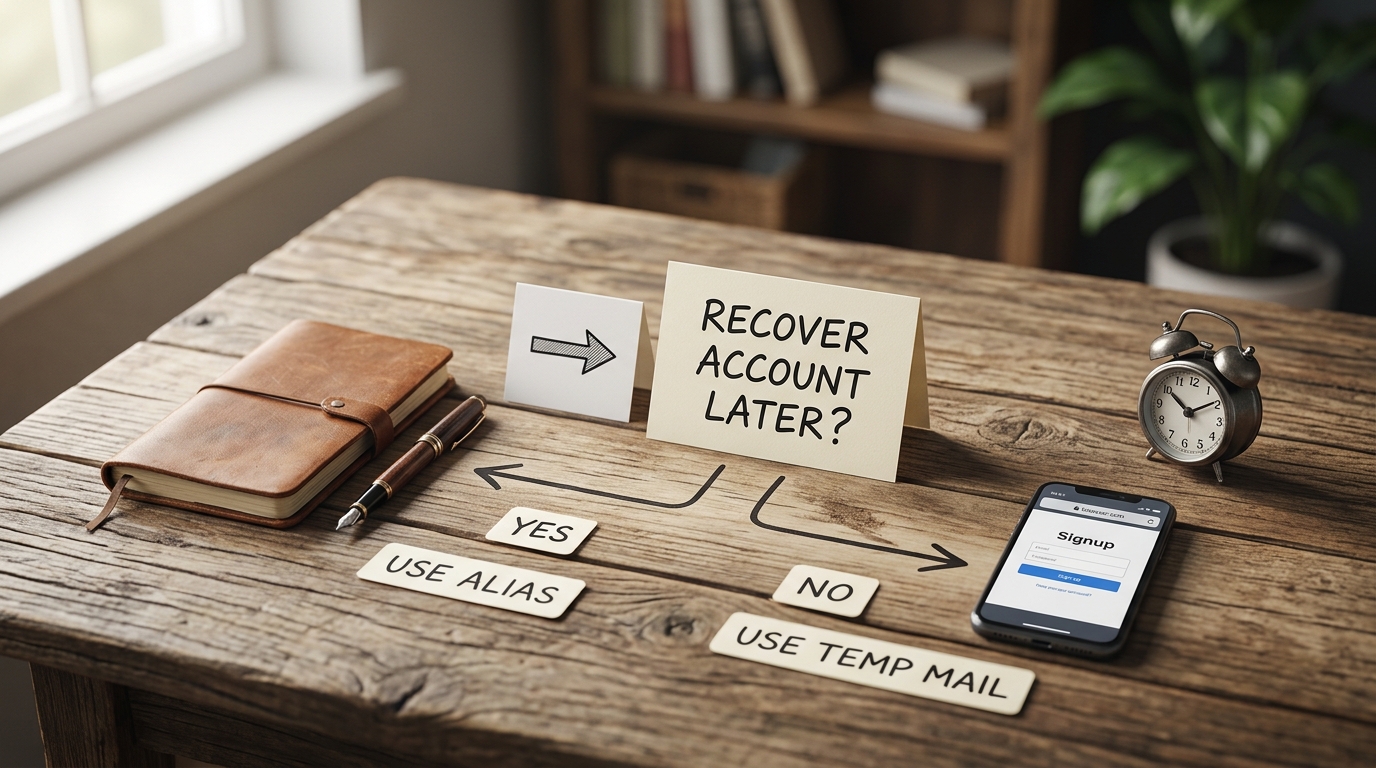
- Move toward verified aliases for accounts you might need to get back into later.
For more on protecting your digital footprint, you can read the latest research from the Electronic Frontier Foundation (EFF) on Privacy.
The Strategic Pros: Why Burners Are Essential In 2026
Burner emails are a first line of defense against the data industry. They let you see locked content without letting a constant stream of marketing junk into your life.
8.2 Billion records leaked in data breaches.
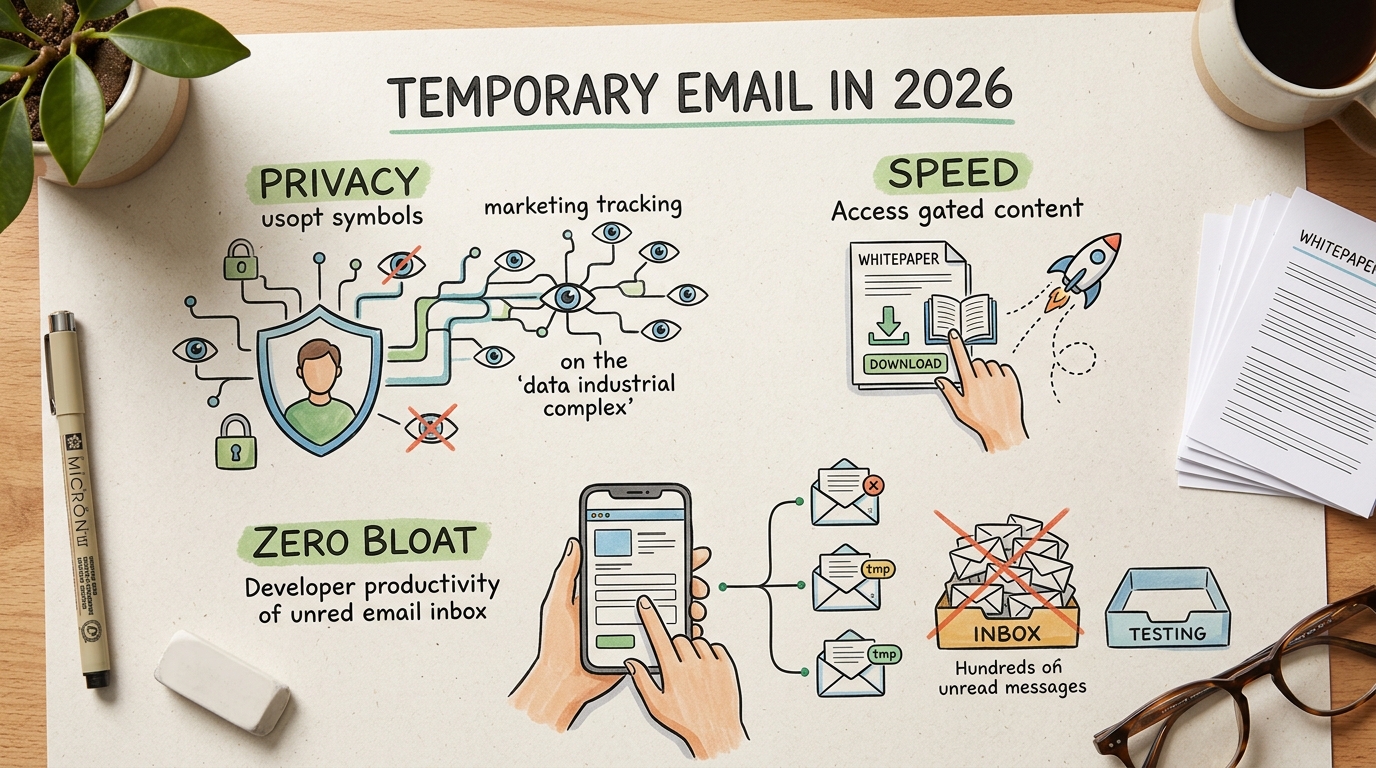
- Quick Privacy: You get a shield that hides your main identity from data hunters.
- Faster Testing: Developers can test signups and API triggers without making hundreds of real accounts.
- No Drip Campaigns: Get the content you want without the endless follow-up emails.
Example
A software developer needs to test a new registration system. Instead of making accounts by hand, they use an API from a service like Mail7 to create 500 unique addresses. This prevents too many fake accounts in the test system and lets the developer check email delivery speeds right away.
The Critical Cons: Where Disposable Email Fails
The biggest risk of disposable mail is that you do not own it. If you lose a password for a service tied to a burner, you are locked out for good.
Pitfall: Using a temporary email for a bank or social media is a fast way to get permanently locked out.
- Security Gaps: Many temporary inboxes are public, so anyone who guesses the name can read your mail.
- Detection: Smart systems can spot disposable domains in a split second during signup.
- No Recovery: There is no password reset option once your browser session ends.
By 2026, big company detectors make it hard to use these for important services. If a site sees a burner, it might shadowban your account or block your access right away.
Temporary vs. Permanent: The 2026 Security Matrix
Choosing between a temporary and permanent address depends on your risk tolerance. Use this matrix to decide which model fits your current interaction.
| Feature | Temporary Email | Permanent Email |
|---|---|---|
| Security | No encryption / Public | End-to-end encryption |
| Access | 10 minutes to 24 hours | Indefinite ownership |
| Protection | No password or 2FA | Full 2FA support |
| Deliverability | Frequently blocked | High trust (DMARC/SPF) |
Temporary addresses prioritize speed over security. Permanent addresses ensure long-term account recovery and data integrity.
How To Use A Burner Email Correctly
Using a burner email is easy, but you have to avoid common mistakes that trigger security blocks. Most sites look for bot-like behavior to stop people from abusing their systems.
Rule: Turn off your VPN before making a temporary address so you do not get flagged as a bot.
- Pick a good provider that fits what you need.
- Copy the address they give you on the home screen.
- Paste that address into the site registration form.
- Wait for the link or code to show up in your browser window.
- Click the link to finish and close the tab to delete the session.
Do not leave the provider page until you are sure the verification worked. Many services change the address the moment you refresh the page.
Top Tools For Disposable Identity
Managing your online identity requires the right tool for the job. Here are the top services people use to stay anonymous.
- 10 Minute Mail: This is the best choice for quick codes. It gives you a 10-minute timer before the mail disappears. This short window is not great for slow signups.
- Guerrilla Mail: Developers like this one because it has 'Scramble' addresses. It lets you send outgoing emails anonymously, but the site looks very old.
- Mail7: Made for testing and QA work. It has a strong API and a clean look for managing many test accounts. It might be more than a casual user needs.
- Temp-Mail.org: This is a higher-end choice with custom domains and no ads. It updates its list often to get past filters. Most of the best features require a paid plan.
The Hybrid Solution: Verified Aliases
If you want the privacy of a burner but need it to be reliable, aliases are the middle ground. They send mail to your main inbox without showing your real address.
Tip: Use a service like Proton Mail Aliases to create safe, permanent paths to your real inbox.
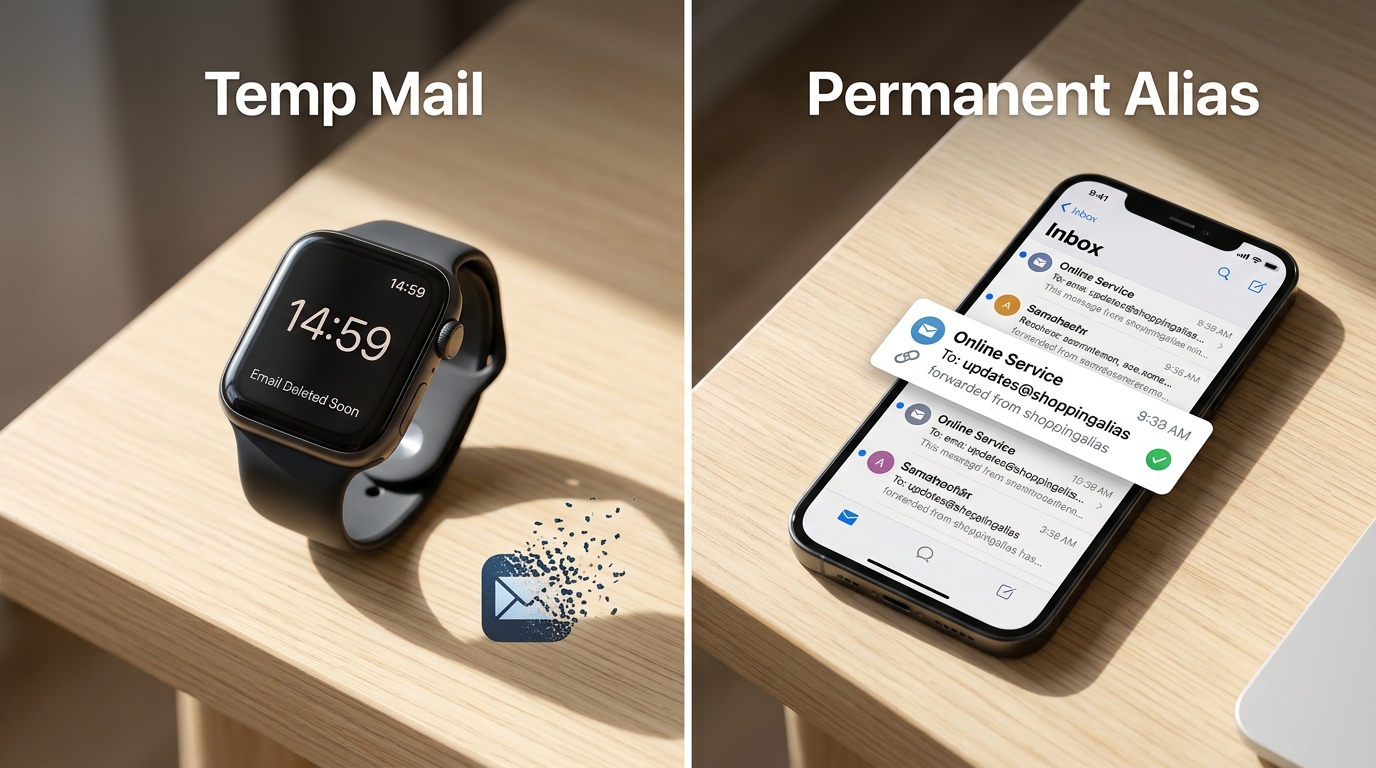
- Full Control: You can turn off an alias the moment it starts getting spam.
- Better Security: Unlike public inboxes, aliases are protected by your main account settings.
- Reliable Recovery: You can still reset passwords for as long as the alias exists.
This mix gives you privacy while making sure you never lose access to a valuable account. It is the best way to handle long-term trials.
Mastering Your Digital Footprint
Getting around the web in 2026 requires a balanced plan for your identity. Temporary emails are fast and private for small things like downloading a paper or testing a script.
But they do not give you the ownership you need for serious accounts. For anything with money or private data, use a real address or a permanent alias. Pick your tools based on the risk of the transaction.
If you are testing a signup once, go disposable. If you need it next week, use an alias.
Frequently Asked Questions
Is using a temporary email illegal?
No. It is a legal privacy tool used by millions of people to stop spam. Most people use them to skip annoying marketing steps.
Can websites detect when I use a burner address?
Yes. Many sites use services like IsFakeMail to find and block disposable domains. This helps businesses make sure they are getting real users.
Are burner emails safe for sensitive data?
No. Many providers have public inboxes that anyone can see if they have the address. Never send passwords, health data, or bank info to a temporary inbox.
Do I need a VPN to use these services?
No. Many temp email sites actually block VPNs to stop bots from using them. It is usually better to just use your normal connection.